Refined email content options
With the addition of Drag and Drop, there are now four types of content you can choose from when adding content to an email:
Drag and Drop - This is our 'no code' solution for creating visually-interesting email templates.
HTML - Perfect for when you have existing HTML that you want to use and are comfortable making content changes directly in the code.
Rich Text - Send a basic, no fuss text-based email with a more personal feel (similar to how you would in Gmail, etc.)
- Plain Text - For those times you need zero styling and simply want to send some text.To make these options clearer and to describe when they are useful, we have overhauled the interface when choosing the type of content for an email.
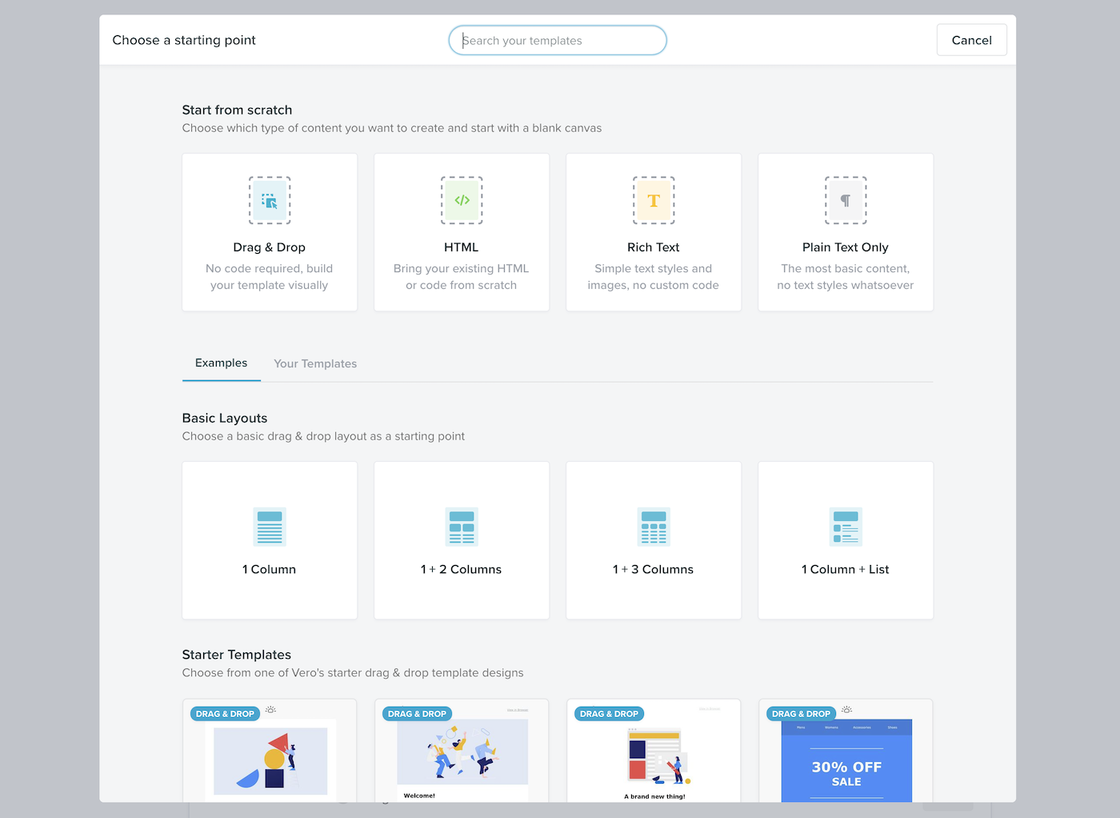
Not only can you choose between these four modes, you can also start from one of our sample templates or starting layouts, or one of your saved templates.We've also updated the way reusable templates behave. When selecting a Drag and Drop or HTML template, the content of the template is copied to the campaign and changes to the template can be made non-destructively. This means you can change the content of the campaign without needing to update the underlying template. You won't have to create a new template every time you want to change the layout, remove a section, etc.
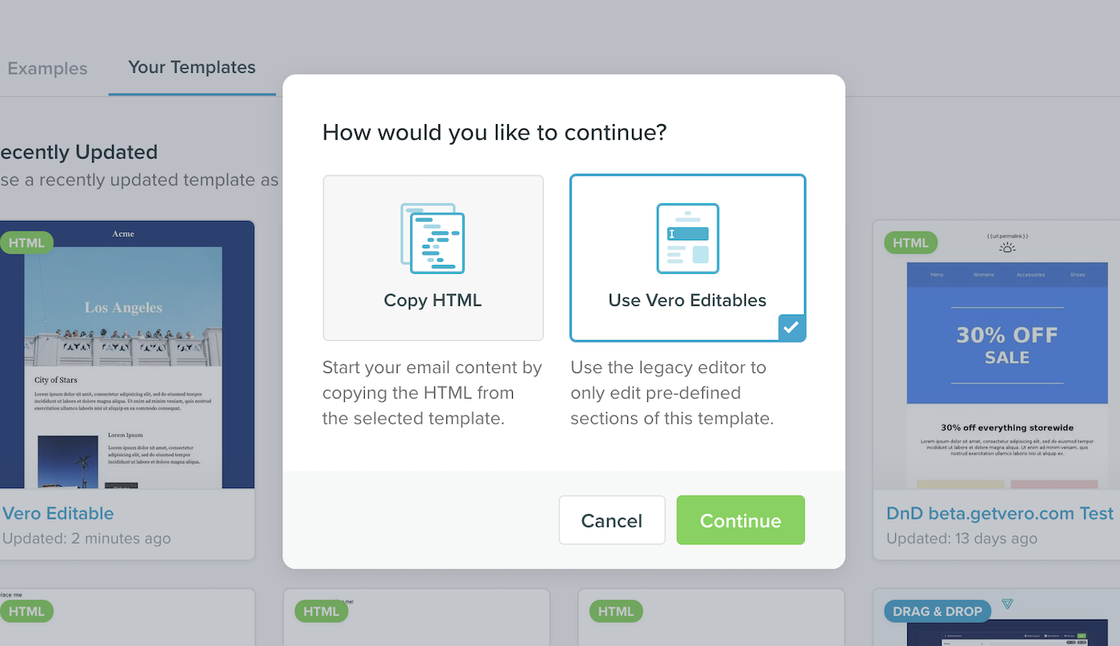
With the new Vero, when you choose a template to use in a campaign, the default option is to have the HTML from the template cloned to the campaign where it can be edited directly. With this methodology, the underlying template and the campaign are no longer linked. Making changes to the HTML inside a campaign does not affect the underlying template as you are no longer working on an instance of a template, but simply editing new HTML content which was copied from the source template.For the foreseeable future, using a template in its “locked” form with “vero-editables” will still be a feature in Vero, but we will be encouraging users to use our new Drag and Drop or HTML modes to edit template content going forward.Read more about these updates on the blog