True/False and Exit nodes in Journeys
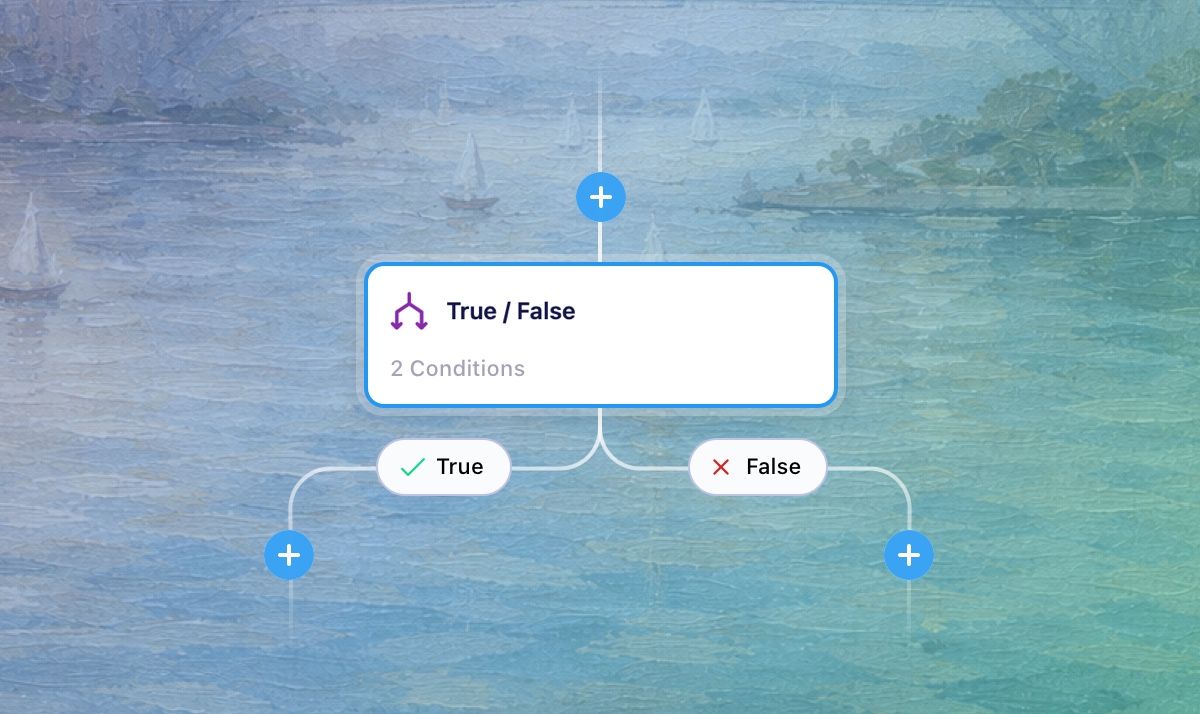
True/False and Exit nodes are now live in Vero 2.0 Journeys. You can now build conditional workflows that route customers down different paths based on their behaviour, properties, and actions — bringing true branching logic to Vero 2.0 Journeys for the first time.
True/False node
This node works as a branch in your Journey, evaluating conditions at the point a customer reaches it and routing them down one of two paths. You can build branching logic using the same conditions available in Segments — including user properties, event history, message interactions, and segment membership — giving you precise control over how customers move through your campaigns.
Branches automatically rejoin after both paths complete, so there's no need to manually connect them. You can also nest branches inside branches to build more complex journeys.
Read more about True/False nodes in our help docs
Exit node
The Exit node gives you a clear, explicit way to remove customers from a Journey at a specific point. When combined with a True/False node, it achieves the same filtering behaviour as the Filter node in Vero 1.0 Workflows — with the added benefit of making exit points clearly visible on the canvas, so the logic of your Journey is easier to read and reason about.
Read more about the Exit node in our help docs
Journey-specific conditions
True/False nodes support two conditions unique to Journeys:
Trigger event property — branch based on a property of the event that originally triggered the Journey
Has not performed event since entering this Journey — branch based on whether a customer has taken an action since the Journey began
Getting started
To start using True/False and Exit nodes, open any Journey in Vero 2.0 and use the + button to add a True/False node to your canvas. From there, define your conditions using the condition builder and optionally add an Exit node to the end of either path.
For any questions don't hesitate to reach out to support@getvero.com