Latest Updates
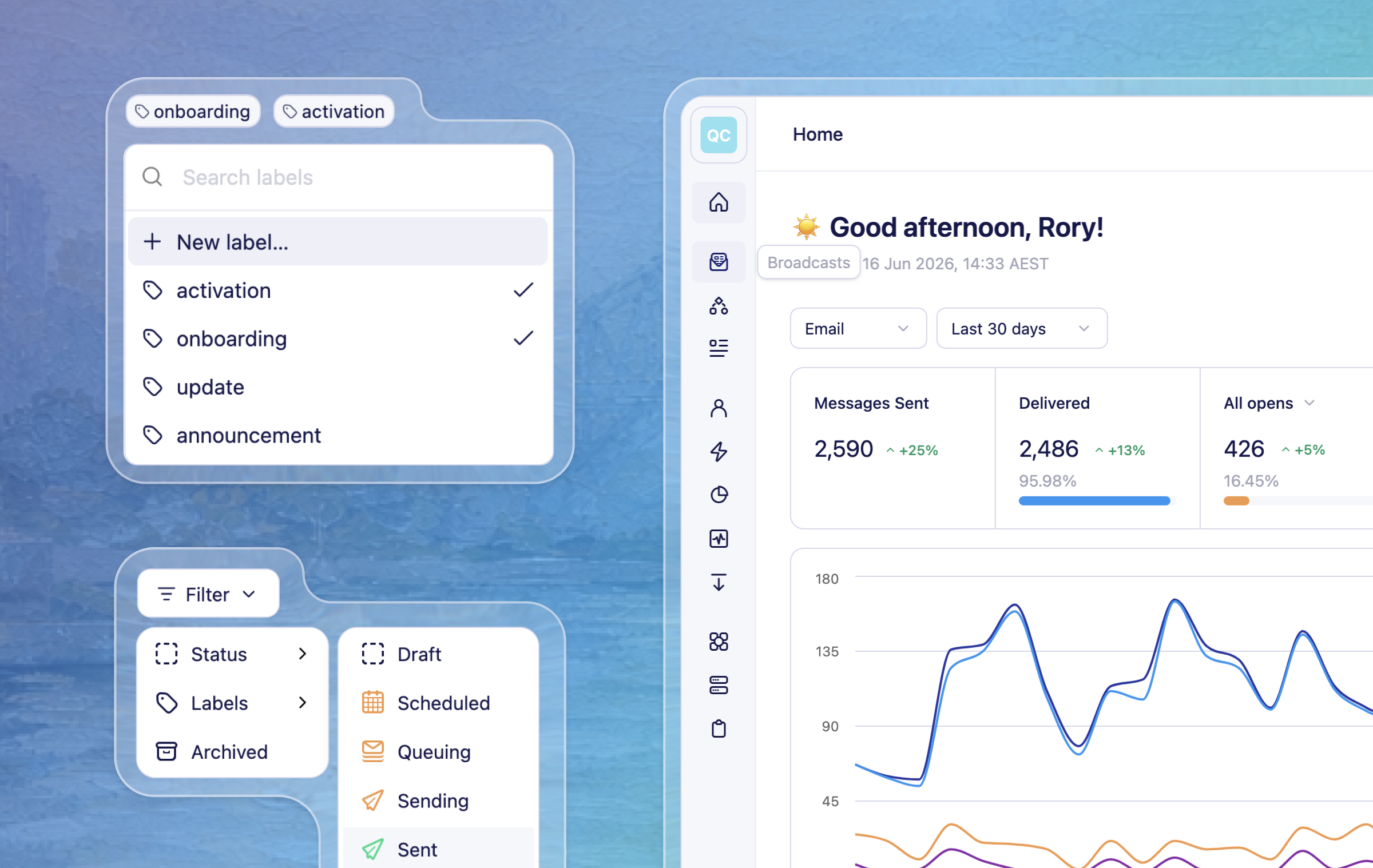
Here's a round-up of what we've shipped in Vero 2.0 over the past couple of weeks.
New
CSV importing in Vero 2.0 – We've added the CSV import flow that walks you from upload → mapping → review, so you can get users and data into Vero 2.0. The mapping step matches your columns to the right fields with clearer defaults and makes it easy to fix anything before you commit, bringing one of the most-used parts of Vero 1.0 across to Vero 2.0. Learn more
Compact sidebar – We’ve added a slim version of the main sidebar navigation which can be toggled to give yourself more horizontal space to work with. It switches on automatically on smaller screens, and you can toggle it back any time.
Suppressions now visible on profiles – Profiles now show a new suppression and bounced statuses panel, making it easier to see why messages aren't delivering for a given person. If you have the right permissions, you can also remove a suppression from the profile — with clear warnings about the deliverability and compliance impact before you do.
Campaign labels shown on campaign page – To improve how you organise your Vero 2.0 campaigns, we now allow adding and removing labels to both broadcast and journeys. This matches the same feature in Vero 1.0. We’ve also updated the campaign list layout to accommodate the labels and make all the information fit nicely.
Event properties in the data inspector – For event-triggered campaigns, we have added event properties to the “Data inspector” menu and “Insert data” controls when editing content. Meaning you can more easily add event based liquid variables into Email, SMS, and Push content.
Improved
Campaign list filtering improvements – We’ve improved how you filter your campaigns lists. We have included a single “Filter” menu that includes dropdowns to filter by “Status” and “Labels”.
Insert properties at cursor position - When using the data inspector to add liquid variables to your content (in the rich text and html editors) clicking on a property will now insert the variable at the position of your cursor. Use the ‘insert data’ menu in the drag and drop editor for the same functionality.
Fixes
Event triggers no longer remove your audience prematurely – Switching a campaign trigger to "Event" no longer prompts to remove the existing audience before a valid event has been selected. Errors are also clearer if you try to save without choosing an event.
A/B test winner and loser labels now display correctly – A/B test insights now correctly identify the top-performing variant as "Winner".
Rich text previews now use the correct font – Email previews and thumbnails now render with the same default font used in the editor, so the preview more closely matches what recipients will see.
SMS editor toolbar is now fully visible when scrolling – Fixed a styling issue that in some cases caused the SMS editor toolbar to appear transparent when editing longer messages.