Mobile Push notifications in Vero 2.0
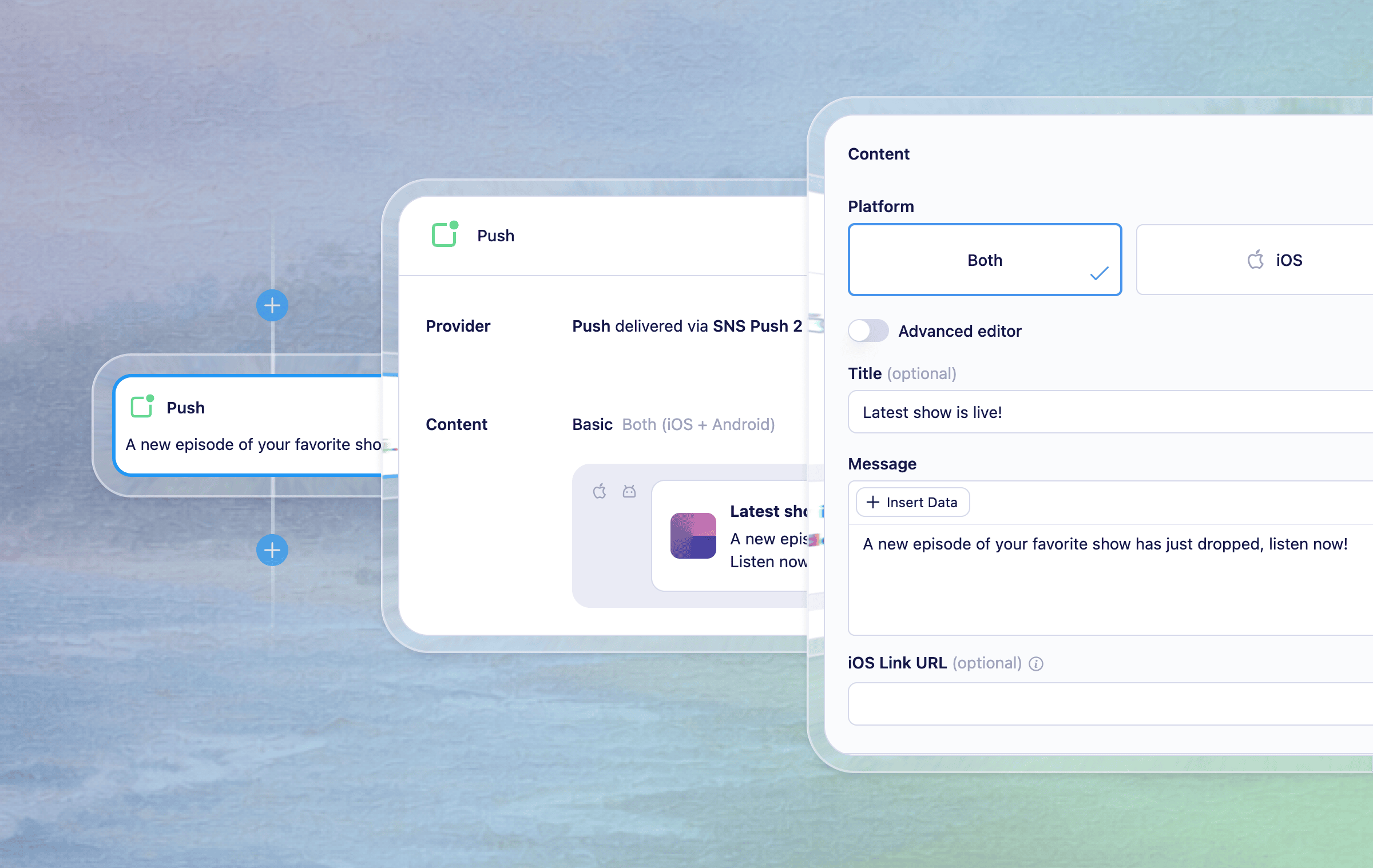
Push notifications are now available in Vero 2.0, across both Broadcasts and Journeys. You can configure a push provider, design content with our basic or advanced editors and configure to send on an event trigger — bringing Vero 2.0 to full multi-channel parity for push.
What's new
Configure a push provider — Add and manage Amazon SNS push providers directly from the Channels page in Vero 2.0. Set your region, credentials, and the iOS and Android services Vero should send through, and give each provider a friendly name. Twilio is also supported as a legacy provider for existing customers. Read the help docs to learn how to add a Push provider and how to start tracking push tokens.
Push in Broadcasts and Journeys — Select Push as the channel when creating a Broadcast, or drop a push node into a Journey to trigger notifications as part of an event-triggered flow. Both follow a similar flow for setting up and editing your push content. Read the docs to learn about using push in Broadcasts and adding a push nodes to Journeys.
Basic and Advanced editors — Use the basic editor for standard pushes (title, body, image, iOS and Android app links) or switch to the advanced editor to write raw iOS and Android payloads in a code editor. Both support Liquid merge tags via "+ Insert data" for personalisation.
Reporting — Push campaigns include Sent and Opened stats (with configuration) on the engagement summary and historical chart.
A note on audiences: push is available for event-triggered campaigns only. Device tokens must be added to Vero via the API.
For any questions don't hesitate to reach out to support@getvero.com.